
QuickBooks Support
QuickBooks Online bookkeeping and support for your small business.
We keep the books in QuickBooks Online for small businesses nationwide, and we help owners who handle their own bookkeeping set up their file correctly and use it with confidence.
Prefer to talk first? Schedule a consultation.

You don't need to figure out QuickBooks on your own. The right setup and guidance can make it a tool you actually know how to use.
- 10+ years of bookkeeping experience
- B.S. in Accounting
- You work directly with Yelena
- Serving clients nationwide
QuickBooks Online Bookkeeping Services
A QuickBooks bookkeeper who keeps your books, not just your software.
Whether you want us to handle the bookkeeping or help you do it yourself, our work in QuickBooks Online can include the following.
Ongoing bookkeeping
Monthly bookkeeping kept current in your QuickBooks Online file, so your reports are ready when you need them.
Monthly bookkeepingCleanup and corrections
Uncategorized transactions, unreconciled accounts and balances that don't make sense, brought back to an accurate starting point.
Cleanup & catch-upBank and credit card reconciliations
Accounts reconciled so the balances in QuickBooks match your statements.
Financial reporting
Profit and loss, balance sheet and other reports organized so you can read and use them.
When to hire a QuickBooks bookkeeper
Signs it's time for professional help.
Your books keep slipping
Bookkeeping gets pushed to evenings and weekends, and the file falls further behind each month.
You don't trust your reports
The numbers in QuickBooks don't match your bank, or the reports don't reflect what's happening.
Your business has grown
More transactions, more accounts or more people make it harder to keep the file accurate on your own.
Tax time is stressful
Your tax preparer keeps asking questions your books can't answer.
How We Can Help
Support that meets you wherever you are in QuickBooks.
Support may include any of the following, depending on what your business needs.
QuickBooks Online setup
A new file configured around how your business actually operates — accounts, bank feeds, and settings that make sense from day one.
Chart of Accounts setup
A clean, right-sized account structure so your reports group revenue and expenses in a way you can act on.
Bookkeeping workflows
A repeatable routine for bank feeds, receipts, invoicing, and month-end so nothing quietly piles up.
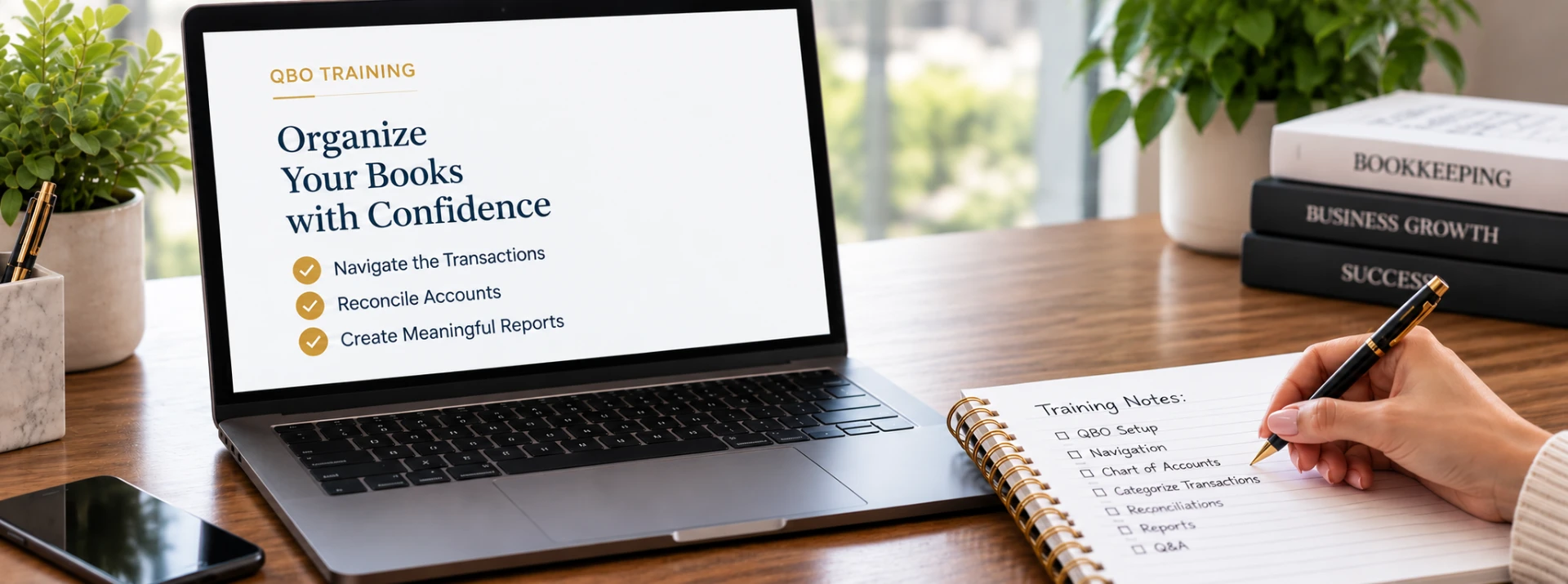
QuickBooks training
Working sessions in your own file, covering the tasks you actually perform rather than generic software tours.
Training & speakingDIY bookkeeping support
Ongoing backup for owners who keep bookkeeping in house but want a professional to check the work and answer questions.
Troubleshooting
Help with reconciliation discrepancies, odd balances, duplicate transactions, and reports that don't tie out.
How It Works
QuickBooks help built around your business.
Tell us where you're stuck
We start by discussing how you're currently using QuickBooks Online, what you're trying to accomplish, and where you need help.
Review your setup
We look at your QuickBooks Online file together and identify settings, workflows, or areas that may need attention.
Work through it together
During a virtual one-on-one session, we walk through the areas you need help with and show you how to handle them correctly in QuickBooks Online.
Leave with a clearer path forward
You finish the session knowing what to do next and how to use QuickBooks more confidently for your business.
Benefits
Know what you're doing in QuickBooks and why.
QuickBooks becomes much more useful when you understand how the pieces work together. One-on-one training helps you build better habits, avoid common mistakes, and feel more confident handling the day-to-day bookkeeping tasks you choose to manage yourself.
FAQs
QuickBooks questions business owners ask
Get QuickBooks help.
Tell us what you're trying to do in QuickBooks and where you're getting stuck. We'll figure out whether you need setup, training, cleanup, or ongoing support.
No pressure. We'll start by figuring out where your books stand.
Prefer to talk first? Schedule a consultation.